Everything your restaurant
website needs
From AI-powered menu scanning to your own domain and analytics — here's a full breakdown of what RestoWebMaker includes.
Turn a photo or PDF into a full digital menu
Snap a photo of your physical menu or upload a PDF — laminated, handwritten, or printed — and our AI reads every item, price, and category. Your digital menu is populated in seconds. No typing required.
- —Works with printed, laminated, handwritten menus, and PDFs
- —Detects categories, item names, descriptions, and prices
- —Review and edit everything before importing
- —30 scans/mo on Essential · 150/mo on Pro · +1,000 with AI Boost
- —Fast, accurate AI reads menus in seconds
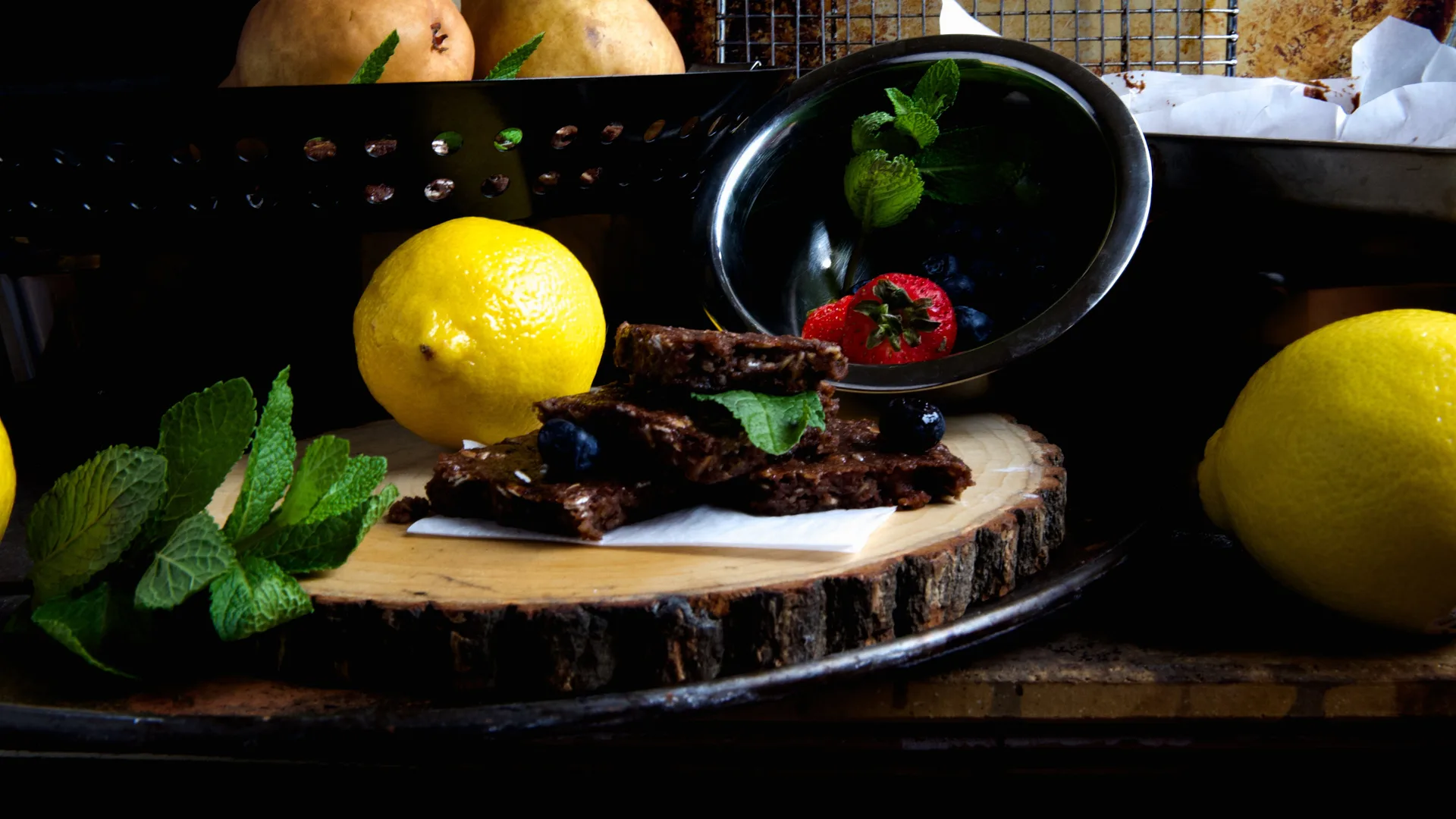
13 professionally designed themes
From minimal and modern to dark and dramatic — a template for every kind of restaurant. Every one is fully responsive, loads fast, and is optimized for mobile, where most of your customers will visit from.
- —Classic — clean, traditional, works for any cuisine
- —Modern — bold typography, minimal, contemporary feel
- —Rustic — warm tones, serif fonts, great for casual dining
- —Ember — dark, dramatic, perfect for upscale or steakhouse
- —Grit — bold industrial style for burgers, BBQ, street food
- —Sakura — minimal Japanese aesthetic for sushi & ramen
- —Terroir — wine bar and bistro elegance
- —Cantina — vibrant Latin street food energy
- —Noodle — izakaya-inspired for ramen & noodle shops
- —Velvet — late-night cocktail lounge, dark and gold
- —Soleil — bright, coastal Mediterranean brunch
- —Aurora — Nordic seafood, cold-water editorial
- —Prism — modern tasting menu, editorial minimalism
- —Switch templates any time from your Design page
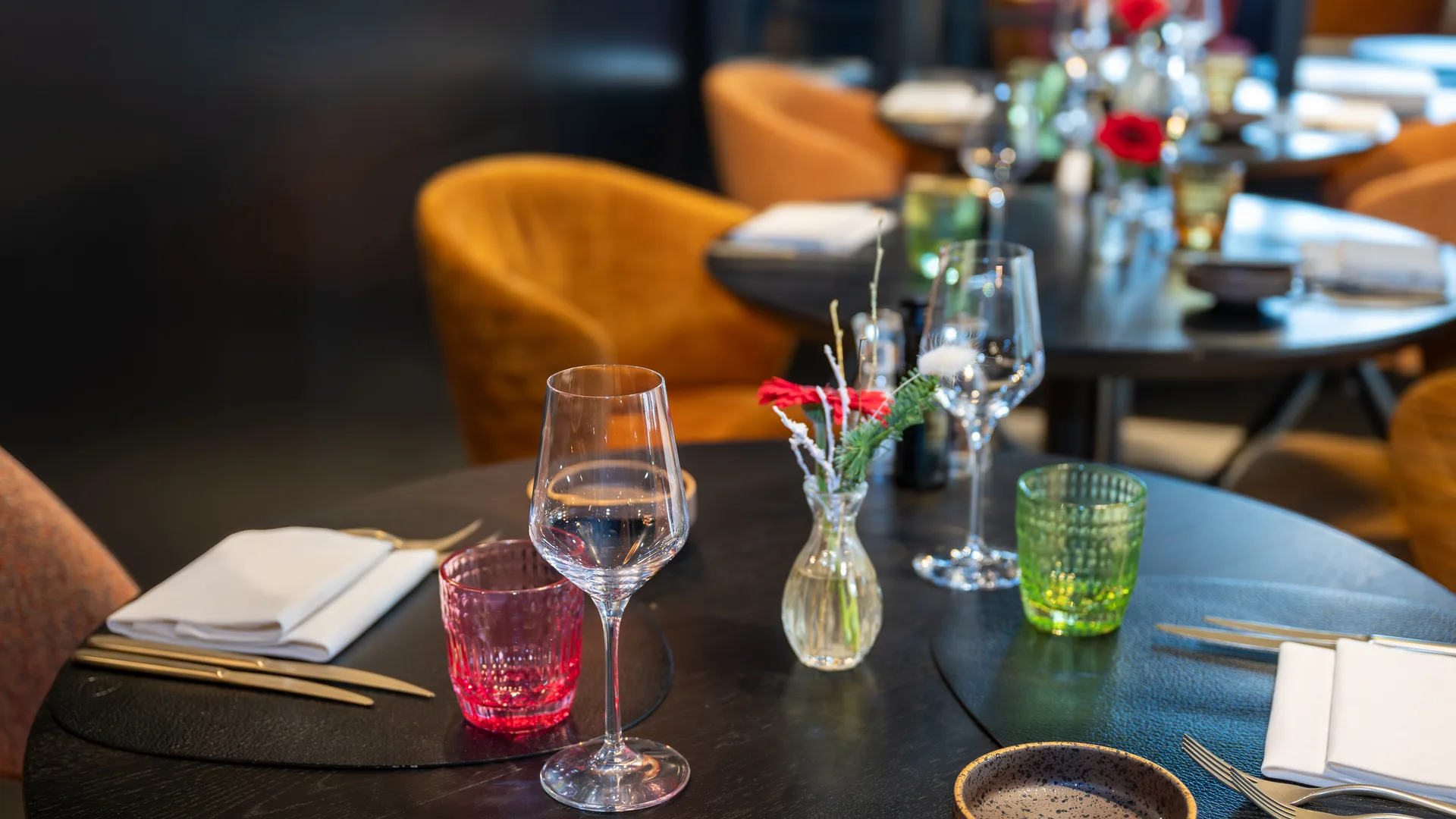
Full control over your menu
Organize your menu into categories, drag to reorder, set prices, add descriptions, and toggle item visibility. Everything updates live on your public site.
- —Unlimited categories and menu items
- —Reorder categories and items with up/down controls
- —Toggle individual items visible or hidden
- —Dietary badges: Vegan, Vegetarian, Gluten-Free, Spicy, Nut-Free
- —Changes reflect on your live site immediately
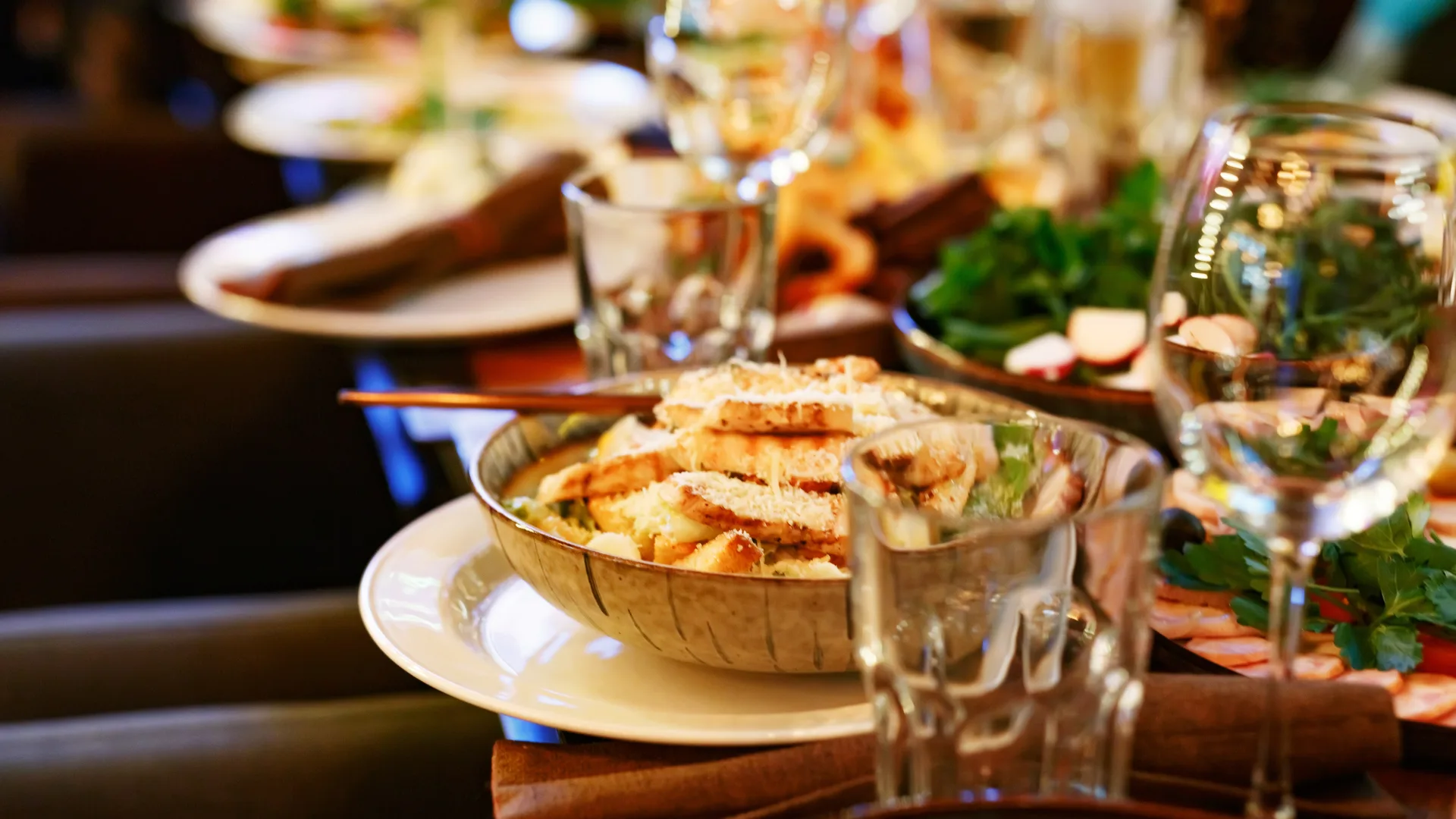
Make your site feel unmistakably yours
Go beyond picking a template. Choose from 12 curated color palettes — or upload any photo and we'll extract a palette from it automatically. Set custom fonts, per-section background and text colors, and upload your logo.
- —12 professionally curated color palettes
- —Upload any image to auto-extract a branded palette
- —WCAG contrast check — we flag unreadable color combos
- —Per-section colors: info bar, menu, and footer
- —5 heading font choices to match your restaurant's personality
- —Upload your logo, hero photo, about image, and gallery
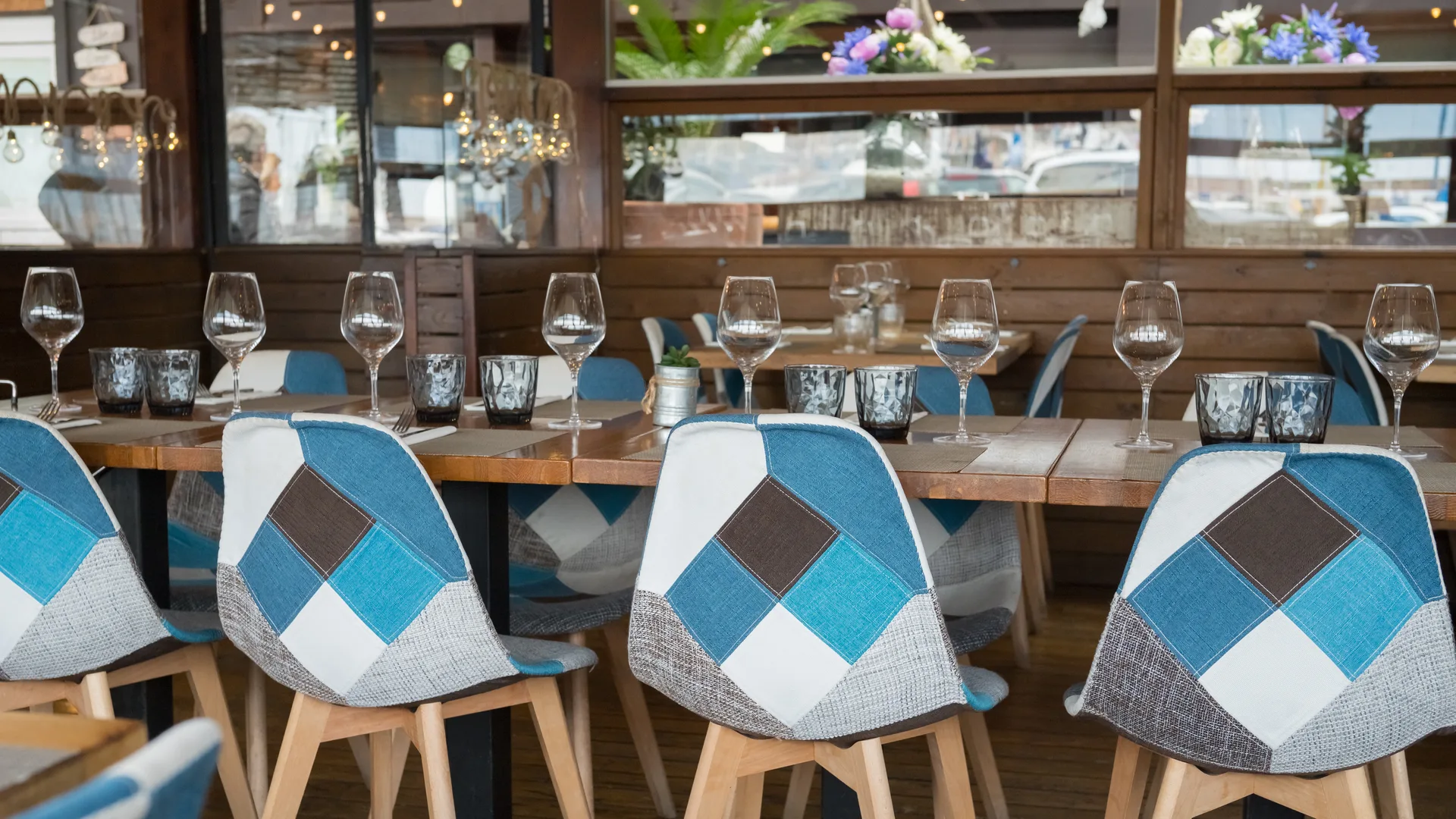
Beautiful food photos, ready to use
No photographer? No problem. Browse hundreds of curated, royalty-free food and restaurant photos and add them directly to your logo, hero, about section, or gallery — no downloads or uploads needed.
- —Hundreds of curated food and restaurant images
- —Assign to any media slot: logo, hero, about, or gallery
- —Preview before you commit
- —No upload required — pulls straight from the library

Promote specials and take orders online
Post one-time events or recurring specials that appear on your public site automatically. Add an online order form and a contact form so customers can reach you without picking up the phone.
- —Events & specials section on your public site
- —One-time or recurring event labels
- —Online ordering form — emails straight to you
- —Contact form with the same instant notification
- —Delivery links for DoorDash, Uber Eats, and Grubhub

Stop taking bookings over the phone
Let customers book a table right from your site. Every reservation lands in your dashboard with the customer's name, party size, and any special requests.
- —Booking form on your public site — date, time, party size
- —Confirmation emails sent automatically
- —Block dates, set capacity, manage the schedule from your dashboard
- —AI no-show risk model flags the booking patterns worth watching
- —Full reservation history per guest — tied to your loyalty program
Keep your regulars coming back
Track every visit and every dollar without asking customers to download an app. A built-in CRM remembers birthdays, allergies, and favorite dishes — and AI summarizes who each guest is in one line.
- —Points, stamps, or tier-based programs — you pick what fits
- —Visits and total spend auto-credit on every completed order
- —Tags, VIP flags, birthdays, allergies, dietary restrictions
- —AI-generated customer snapshot — a one-line CRM note per guest
- —Rewards visible on your public site

Own your delivery, keep your margins
Skip the third-party commissions. Set your own delivery radius, your own fee, and your own hours. Addresses are validated automatically, and our AI estimates the ETA based on time-of-day, kitchen load, and your prep time.
- —Automatic address validation — no bad deliveries
- —Delivery radius you control, enforced at checkout
- —Configurable delivery fee and custom delivery hours
- —AI-powered ETA based on load, time of day, and prep time
- —All orders flow into the same dashboard as pickup and dine-in
Run the whole dining room from an iPad
A purpose-built in-restaurant app for your servers. Manage tables, seats, and checks live on the floor — with the same menu that powers your public site. Split checks, save layouts, and see what's going on in real time.
- —Live floor plan — see every table's status at a glance
- —Seat-level ordering for accurate splits and allergy routing
- —Split checks and partial payments without the math
- —Saved floor layouts for brunch, dinner, and private events
- —One shared menu across your public site and TableOS
Use your own domain name
Point any domain you own to your restaurant site. Add a single CNAME record and your site is live at myrestaurant.com within minutes. Your free subdomain stays active as a fallback.
- —Works with any domain registrar (GoDaddy, Namecheap, Cloudflare, etc.)
- —Simple one-record CNAME setup
- —HTTPS included automatically
- —Step-by-step DNS instructions built into your dashboard

See who's visiting your site
A built-in 30-day page view chart shows you how much traffic your restaurant site is getting — no third-party tracking tools needed. Or connect your own Google Analytics 4 account.
- —30-day daily page view chart built in
- —Tracks all traffic to your public restaurant site
- —No cookies or invasive tracking
- —Optional Google Analytics 4 integration

Get found on Google
Set how your restaurant appears in search results and when shared on social media. Every page ships with Restaurant schema structured data automatically — which helps Google show rich results for local searches. (Advanced SEO controls like robots.txt and sitemap editing aren't yet exposed — reach out if you need them.)
- —Custom meta title and description with live Google preview
- —Social share image for Facebook, X, and iMessage
- —Automatic Restaurant schema.org structured data
- —Google Analytics 4 ID — paste and go

Frequently asked questions
Do I need to know how to code?+
Not at all. RestoWebMaker is designed for restaurant owners, not developers. Everything is point-and-click. The most technical thing you'll do is copy a CNAME record if you want to bring your own domain.
Why did you build this?+
Restaurants run on some of the thinnest margins in any industry — often 3 to 9 cents on the dollar. Yet most restaurant website platforms charge $99–$400 a month, and hiring an agency to build something custom starts at $3,000 upfront. We built RestoWebMaker because every restaurant deserves a professional web presence without needing a developer, a designer, or a big budget. The goal is to get you online in an afternoon, not a month.
How much does it cost?+
Four tiers: Free ($0/mo) for a public website only, Essential ($29/mo) for online ordering, reservations, loyalty, your own domain (you bring it), and 30 AI menu scans/mo, and Pro ($79/mo) for in-house delivery, TableOS, POS integrations, and 150 scans/mo. You can also add AI Boost (+$20/mo) to stack 1,000 extra scans on Essential or Pro. Start free — no credit card required at signup.
How does the AI menu scanner work?+
Upload a photo or PDF of your physical menu. Our AI reads it and extracts all the item names, categories, descriptions, and prices. You review the results — edit anything that needs fixing — then click Import. The whole process takes under a minute. Essential includes 30 scans/mo, Pro includes 150, and the AI Boost add-on adds 1,000 more.
Can I switch templates after I've set everything up?+
Yes. You can switch between all 13 templates at any time from your Design page. Your menu, content, and images stay intact — only the look changes. Switching a template also resets the colors and fonts to that template's defaults, which you can then customize.
Can I use my own domain name?+
Yes. Add a CNAME record at your domain registrar pointing to our servers. We provide step-by-step instructions right in your Settings page, along with a DNS verification tool so you know when it's live.
What happens to my site if I cancel?+
Your site stays live until the end of your billing period. After that the public site goes offline and your dashboard is locked — but you can restore a free public-only site at any time from your account. Your data is retained, so menus, content, and images are all there if you come back.
How do I get my site indexed by Google?+
Every public restaurant page is server-rendered with proper title tags, meta descriptions, and Restaurant schema structured data — all of which Google can index. Fill out your restaurant description in the Content section and configure your meta title and description in the SEO section for best results.
Can I manage multiple restaurant locations?+
Each account currently supports one restaurant site. Multi-location support is on the roadmap — reach out if that's something you need.
Ready to get started?
Start free. Upgrade when you're ready. No credit card required to sign up.
Create your restaurant site